
Arabic first
Direction, type, and navigation designed for Arabic, with a complete English experience.
A media player. Nothing else.
Blank Prime organizes live TV, movies, and series from your compatible service. No bundled channels. No content subscriptions for sale.
An active account from a compatible provider you are authorized to use is required.
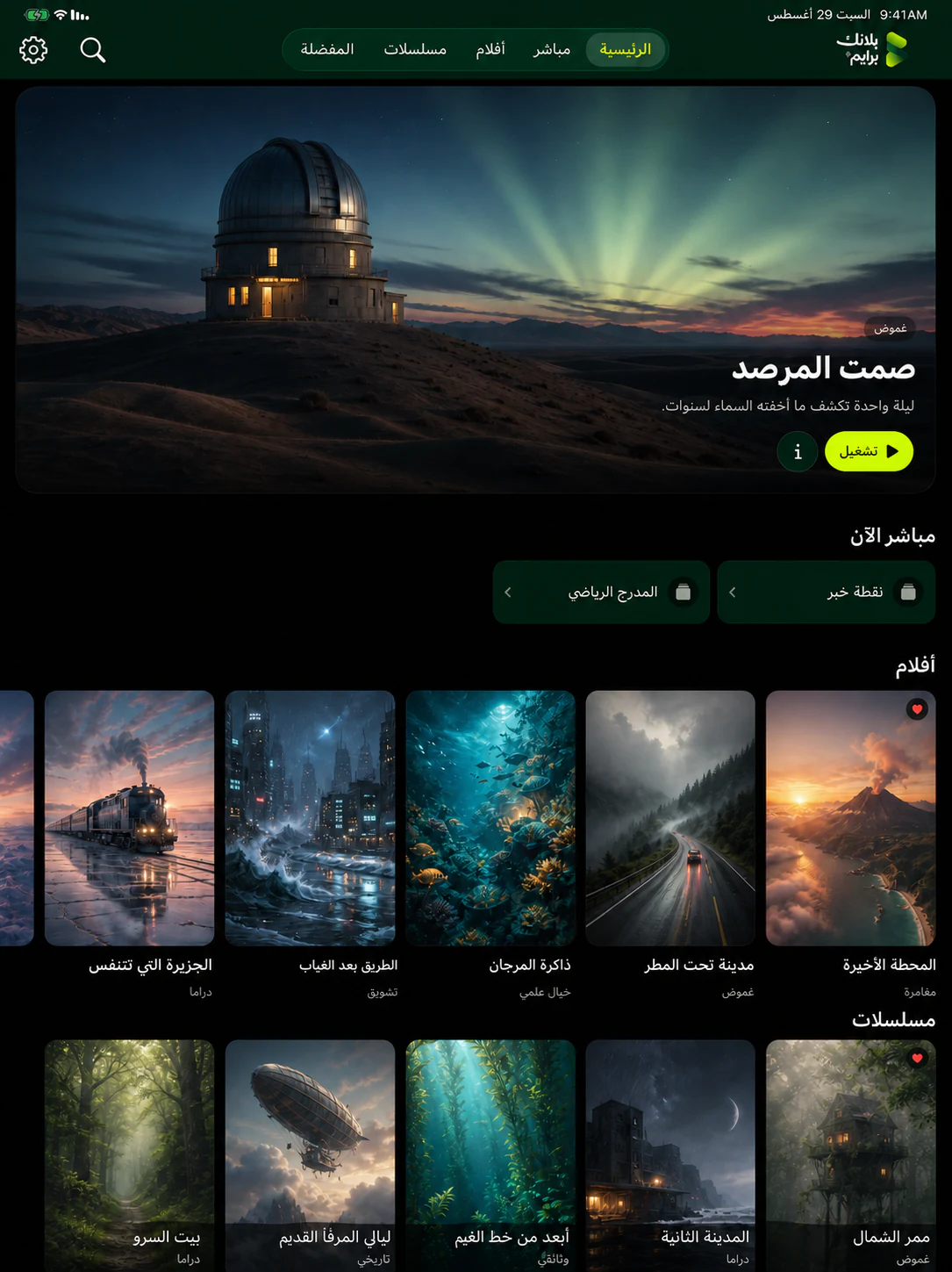
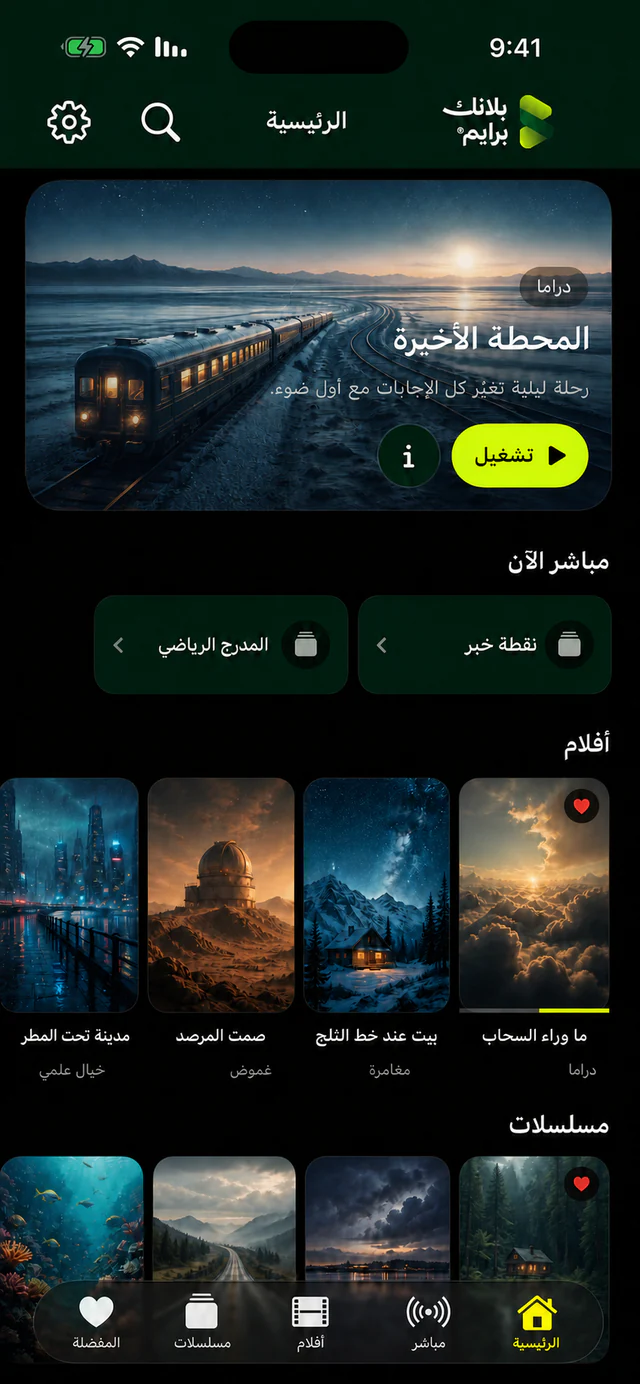
Every title shown is fictional and made for this demonstration. It is not content available inside the app.
One experience across your screens
Less noise. More watching.
Blank Prime is built around what viewers actually need: quick access, understandable browsing, and playback that respects the line between player and provider.
An interface that knows when to leave
Arabic or English navigation, clear categories, search, favorites, and viewing history. Everything shown comes from the service you connected, not from Blank Prime.
Designed for near and far screens
Blank Prime considers the differences between phone, tablet, television, and desktop instead of stretching one interface across every device.
Direction, type, and navigation designed for Arabic, with a complete English experience.
Search, favorites, resume, and categories placed where they are easy to remember.
The player organizes and plays. Your provider manages the account, content, and access rights.
Start in three steps
Blank Prime does not issue provider accounts, activate subscriptions, or add channels or libraries.
Use an account issued by a compatible provider you trust and are authorized to use.
Enter the details in the app. The player connects to your chosen service to show your library.
Use only content and services you have permission or a legal right to access.
A boundary that protects everyone
For passwords, billing, channels, or account status, contact your provider. For the Blank Prime interface or app behavior, contact us.
No ads, no cross-app tracking, and no content storefront inside Blank Prime.
Read our plain-language privacy policy